
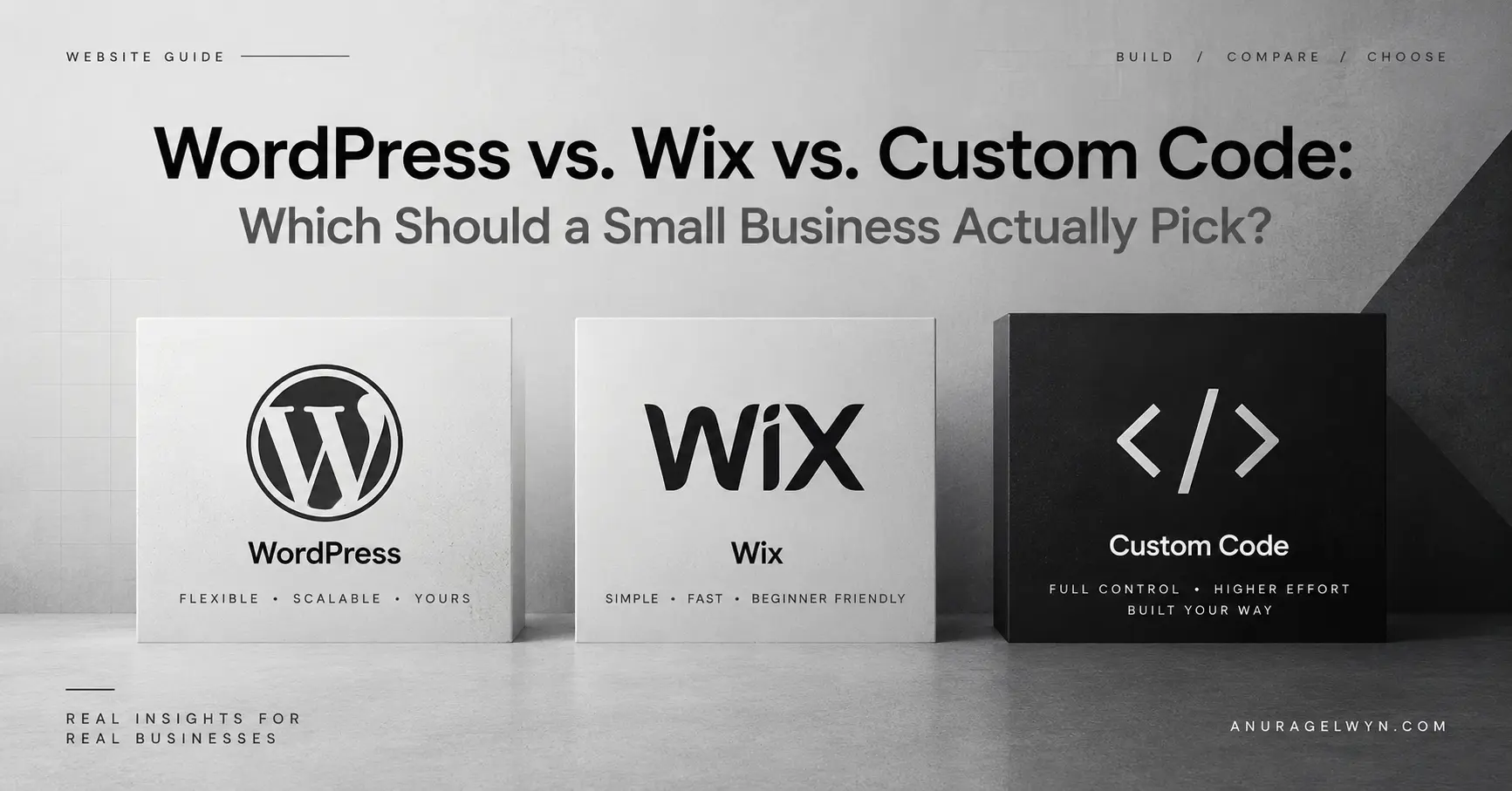
If you’re a small business owner trying to get a website built, the WordPress vs Wix question is probably the first thing you’ve run into — and you’ve likely already gotten three different answers from three different people. A web designer told you to go custom. A friend swears by Wix. Your cousin’s developer says WordPress is the only sane option. Everyone sounds confident, and none of them are lying — they’re just each looking at one piece of the picture.
Here’s the honest, complete version, based on actually building on all three: what each one costs, how much time and maintenance they realistically take, how they handle SEO, and — most importantly — how to figure out which one actually fits your business, not someone else’s.
I’ve built and maintained WordPress sites for years — it’s most of what I do professionally. I’ve also worked on Wix projects directly. And I’ve spent real time learning custom development, though I’ll be upfront that I haven’t shipped as many fully custom-built sites as the other two. So this comparison leans on hands-on experience, not marketing pages.
WordPress vs Wix vs custom code: the short answer, if you’re in a hurry
| Wix | WordPress | Custom code | |
|---|---|---|---|
| Best for | Getting online fast, minimal fuss | Growing businesses that want ownership + flexibility | Specific technical needs beyond a CMS |
| Upfront cost | Low ($) | Low–medium ($–$$) | High ($$$) |
| Ongoing cost | Subscription, fixed | Hosting + occasional maintenance | Developer retainer for changes |
| Time to launch | Days | Days to a couple weeks | Weeks to months |
| You own your site/data | No — locked to Wix | Yes | Yes |
| Maintenance needed | Very little | Some (updates, backups) | Depends entirely on setup |
| SEO capability | Good, improved a lot in recent years | Excellent, most flexible | Excellent, but you build it yourself |
| Room to grow | Limited | High | Unlimited, but expensive to extend |
If you just wanted the summary, that table is most of it. Everything below explains why, and helps you figure out which row actually describes your situation.
What Wix actually gets you right
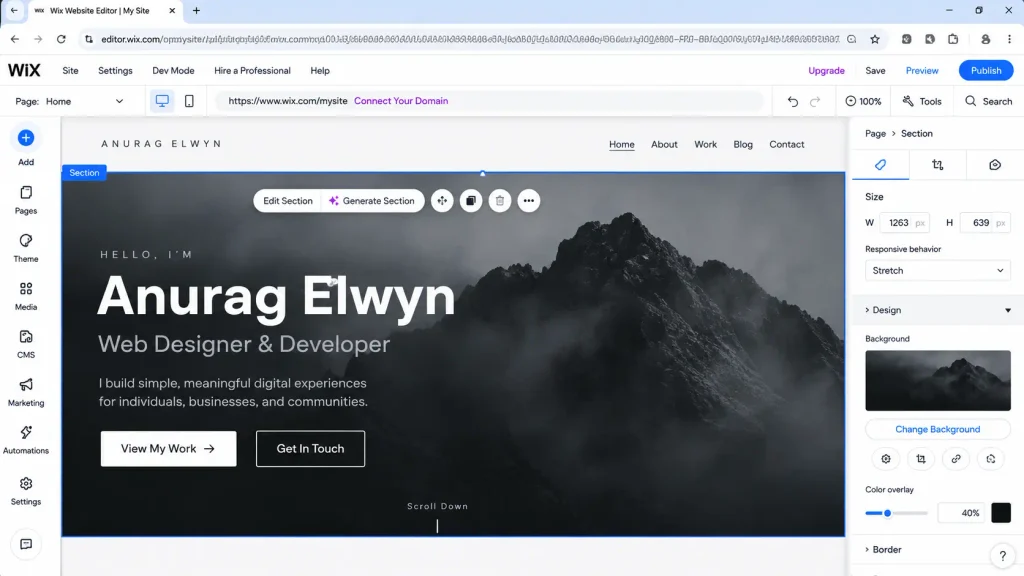
Wix gets an unfair amount of hate from developers, and honestly, some of that criticism is a few years out of date. If you’re a small business owner who wants a decent-looking site up this weekend, with zero technical setup and a drag-and-drop editor that genuinely works, Wix does that job well.
Cost: Wix runs on a subscription model, typically anywhere from around $16 to $50+ per month depending on the plan and whether you need e-commerce features. There’s no separate hosting cost since it’s all bundled — that’s part of the appeal.
Time to launch: Genuinely fast. A simple 5-page business site can realistically go live within a few days, even with no technical background.
SEO: This is one area where Wix has improved a lot. It used to have real SEO limitations, but modern Wix supports custom meta titles/descriptions, clean URLs, mobile responsiveness (a real ranking factor), and reasonable page speed for simple sites. It’s not the most flexible option for advanced SEO work, but for a small local business, it’s perfectly workable.
Where it falls short: You’re renting, not owning. Your site lives entirely inside Wix’s ecosystem — if you ever want to move to a different platform, you’re rebuilding from scratch, not exporting your work. Customization has a ceiling too: at some point you’ll want something the editor just won’t let you do, especially as your needs get more specific (custom functionality, unusual layouts, deep third-party integrations).
Good fit if: you want something simple, fast, and low-maintenance, your needs are fairly standard (menu, about page, contact form, maybe a blog), and you’re not planning to outgrow the platform anytime soon.
Where WordPress fits best
WordPress is what I build most of my client work on, and there’s a reason it still powers a huge share of the web — current estimates put it at well over 40% of all websites. It hits a genuinely useful middle ground: real ownership of your site and data, a massive ecosystem of themes and plugins, and enough flexibility to grow from a simple site into something much more complex without starting over.
Cost: More variable than Wix, which can feel confusing at first, but it’s actually an advantage once you understand it. Hosting typically runs $5–$25/month for a small business site. Add a theme (often free, sometimes $30–$100 one-time), and plugins for specific features (many free, premium ones usually $0–$200/year each). If you hire someone to build it, expect anywhere from a few hundred dollars for a simple site to a few thousand for something more custom-tailored — but you own everything at the end of it.
Time to launch: A straightforward WordPress site can launch in days to a couple of weeks, depending on how much custom design and content work is involved.
SEO: This is genuinely where WordPress shines. Plugins like Yoast SEO or RankMath give you granular control over meta titles, descriptions, schema markup, sitemaps, and readability — the kind of fine-tuned control that’s harder to replicate on Wix. WordPress sites also tend to load fast when built properly, and Google has no bias against the platform itself; ranking comes down to how well the site is actually built and maintained.
Where it falls short: It needs more upkeep than Wix. Plugin and core updates, security patches, occasional conflicts between plugins — someone needs to own that, whether that’s you learning the basics or a developer on retainer. It’s also easier to make a WordPress site look unfinished or generic if nobody’s paying attention to the details — the platform gives you powerful tools, but it doesn’t build good taste for you. A bad WordPress site and a great one can cost the same amount to host.
Good fit if: you want your own site on your own hosting, with real room to grow, and you’re either comfortable maintaining it yourself or have someone who can.
When custom code makes sense (and when it’s overkill)
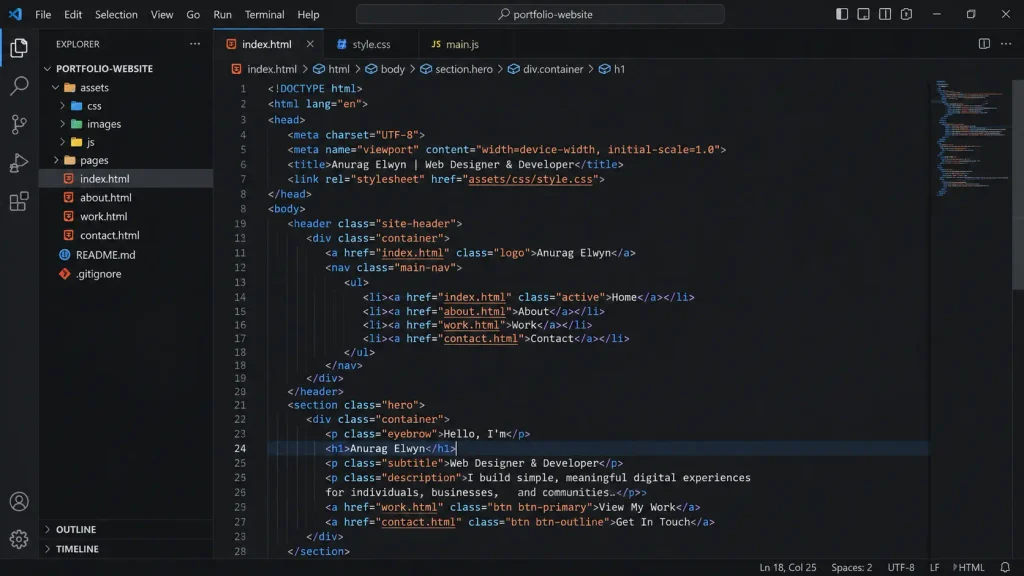
Custom-built sites — hand-coded, or built on a framework like React — give you the most control, technically. No plugin bloat, no platform constraints, exactly the functionality you specify and nothing else.
Cost: Significantly higher than the other two options. You’re paying for developer time from scratch, not a template or a subscription. Even a relatively simple custom site can run into the thousands of dollars, and complex ones considerably more.
Time to launch: Weeks to months, depending on complexity — there’s no drag-and-drop shortcut here.
SEO: Technically, custom code can achieve excellent SEO — you have full control over every technical detail. But that’s also the catch: you have to build all of that yourself (or have your developer build it), whereas WordPress and Wix give you a lot of it out of the box through plugins or built-in tools.
Where it makes sense: When you have specific technical requirements that a website builder or CMS genuinely can’t handle — a complex web application, a highly specific and unusual user experience, tight performance requirements at real scale, or deep custom integrations with other systems. A restaurant’s menu site or a local plumber’s business page is very rarely one of these cases, no matter how nice “fully custom” sounds in a sales pitch.
Good fit if: you have a genuinely custom technical need, the budget to match, and a plan to keep a developer relationship going long-term for future changes.
A few questions worth asking yourself
Instead of “which platform is best,” these are the questions that actually determine the right answer for your business:
How much are you planning to grow this site over the next 2–3 years? If you’ll likely add a blog, an online store, or new sections down the line, WordPress’s flexibility pays off. If you just need a stable, simple presence, Wix’s simplicity is a genuine feature, not a limitation.
Who’s going to maintain it after launch? If the honest answer is “nobody, I don’t want to think about it again,” that points toward Wix. If you’re comfortable learning some basics, or you already have (or plan to hire) someone who can, WordPress becomes much more manageable.
Do you need to rank well in local search results? All three platforms can rank well — SEO success depends far more on good content, real backlinks, and technical setup than on which platform you picked. That said, WordPress generally gives you and your developer the most granular control if SEO is a serious priority.
What’s your actual budget — both now and ongoing? Wix bundles everything into one predictable subscription. WordPress has more upfront variability but often costs less long-term once it’s set up well. Custom code is the most expensive at every stage.
Do you have a genuinely unique technical requirement? If yes, and you can name it specifically, custom code might be worth exploring. If your answer is closer to “I just want it to look really unique and premium,” that’s usually a design and content problem, not a platform problem — and it’s solvable on WordPress (and often on Wix) with the right execution.
Frequently asked questions
Is WordPress better than Wix for SEO? WordPress generally offers more control and flexibility for SEO through plugins and technical customization, but Wix has closed much of the gap in recent years. For most small businesses, either can rank well if the content and technical basics are handled properly.
Is Wix cheaper than WordPress in the long run? Not necessarily. Wix’s cost is predictable and bundled, while WordPress’s costs vary — hosting, themes, and plugins add up individually, but total cost can end up lower over several years, especially since you’re not locked into an ongoing platform subscription.
Can I switch from Wix to WordPress later if I outgrow it? Yes, but it means rebuilding the site rather than migrating it directly, since Wix doesn’t allow exporting your design and content in a reusable format the way WordPress does.
Do I need to know how to code to use WordPress? No. Many WordPress sites are built and maintained without ever touching code, using themes and page builders. That said, having a developer available for updates, fixes, and improvements tends to keep the site healthier long-term.
Is custom code worth it for a small local business? Rarely, unless you have a specific technical requirement a CMS genuinely can’t meet. For most small businesses, WordPress or Wix will comfortably cover what you need at a fraction of the cost and time.
WordPress vs Wix: so, which one should you actually pick?
Most small businesses land in one of two buckets:
- You want something simple and low-maintenance, fast → Wix is a completely reasonable choice, and I’d rather tell you that honestly than push WordPress on you just because that’s what I build.
- You want ownership, flexibility, and real room to grow, and you’re okay with a bit more ongoing care → WordPress is where I’d point you, and where most of my own client work lives.
Custom code is worth a serious conversation only if you already know you need something specific that the other two genuinely can’t do — not because it sounds more impressive in a pitch.
If you’re still not sure which bucket you’re in, that’s a completely normal place to be. Let’s talk — I can help you figure out what actually fits before you commit to building anything.
Leave a Reply